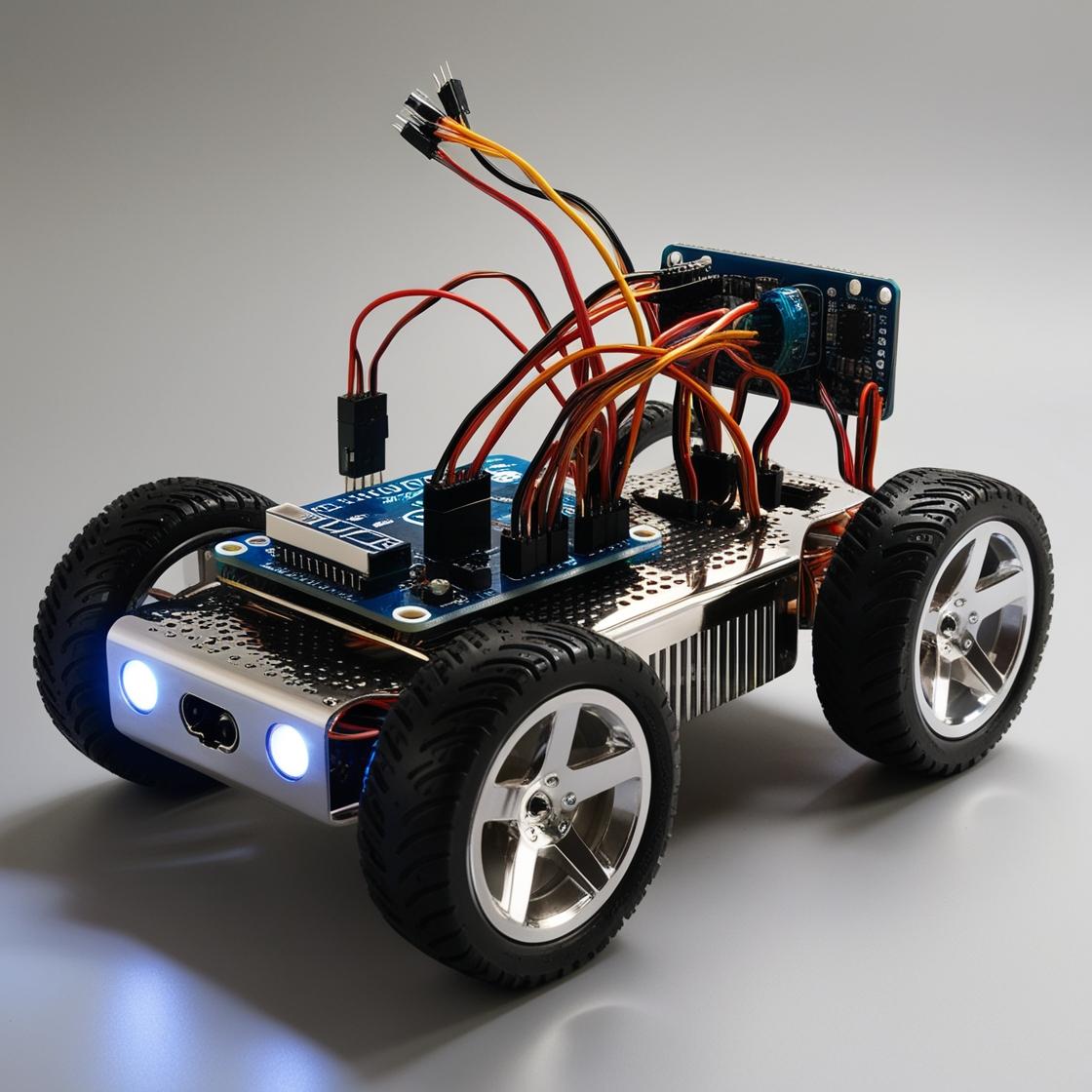
Ultrasonic sensor with Arduino – Complete Guide
Project Overview
The sensor consists of two primary components: a transmitter and a receiver . The transmitter is responsible for emitting a high-frequency sound. In essence, ultrasonic refers to frequencies beyond the range of the human hearing – so something higher than 20kHz.
When the sound wave hits an object, it bounces back like echo. This returning wave is detected by the receiver. The sensor will use the micro-controller (Arduino) internal clock to find out how much it took for the sound to bounce back. This small clock turns on when a high-frequency wave is emitted and turns off when its echo is detected.
Using code, we can write a program that will store the timing between those two events into a variable. Then, we can use this information to calculate the distance between the sensor and the object.
You may be thinking: how can we find the distance if all we know is the timing?
Well, as you know, velocity is distance divided by time. Based on this equation, if we multiply the velocity by the time, we’ll find the distance . I told you the sensor emits sound waves, so the velocity we need is the speed of sound in air (340 m/s).
Project
In this article, I will show you how to build an alarm system using Arduino and the ultrasonic sensor. If you don’t have all components or would like to test before assembling anything, I created a simulation of this alarm system on Tinkercad . You can run it directly on your browser by clicking $ here $ .
Moving on, for this project, you’ll need: an Arduino board, a breadboard, a bunch of jumper wires, a buzzer,and an ultrasonic sensor.
Assembly
Firstly, attach the ultrasonic sensor and the buzzer on the breadboard. Then connect the VCC and GND pins on Arduino 5V and ground ports.
Project Gallery

Design Process
Research
We conducted extensive user research to understand customer pain points and expectations. This included:
- User interviews with 20 existing customers
- Usability testing of the current platform
- Competitive analysis of 5 leading e-commerce sites
- Analysis of customer feedback and support tickets
This research phase revealed key insights about navigation issues, checkout friction, and mobile usability problems.
Strategy
We conducted extensive user research to understand customer pain points and expectations. This included:
- User interviews with 20 existing customers
- Usability testing of the current platform
- Competitive analysis of 5 leading e-commerce sites
- Analysis of customer feedback and support tickets
This research phase revealed key insights about navigation issues, checkout friction, and mobile usability problems.
Technologies & Tools
 Picture
Ô tô
Picture
Ô tô


Chi tiết dự án

Sẵn sàng trải nghiệm chưa nào?
Cùng hợp tác, sáng tạo để mang lại giải pháp cho cộng đồng